NETRA Registry
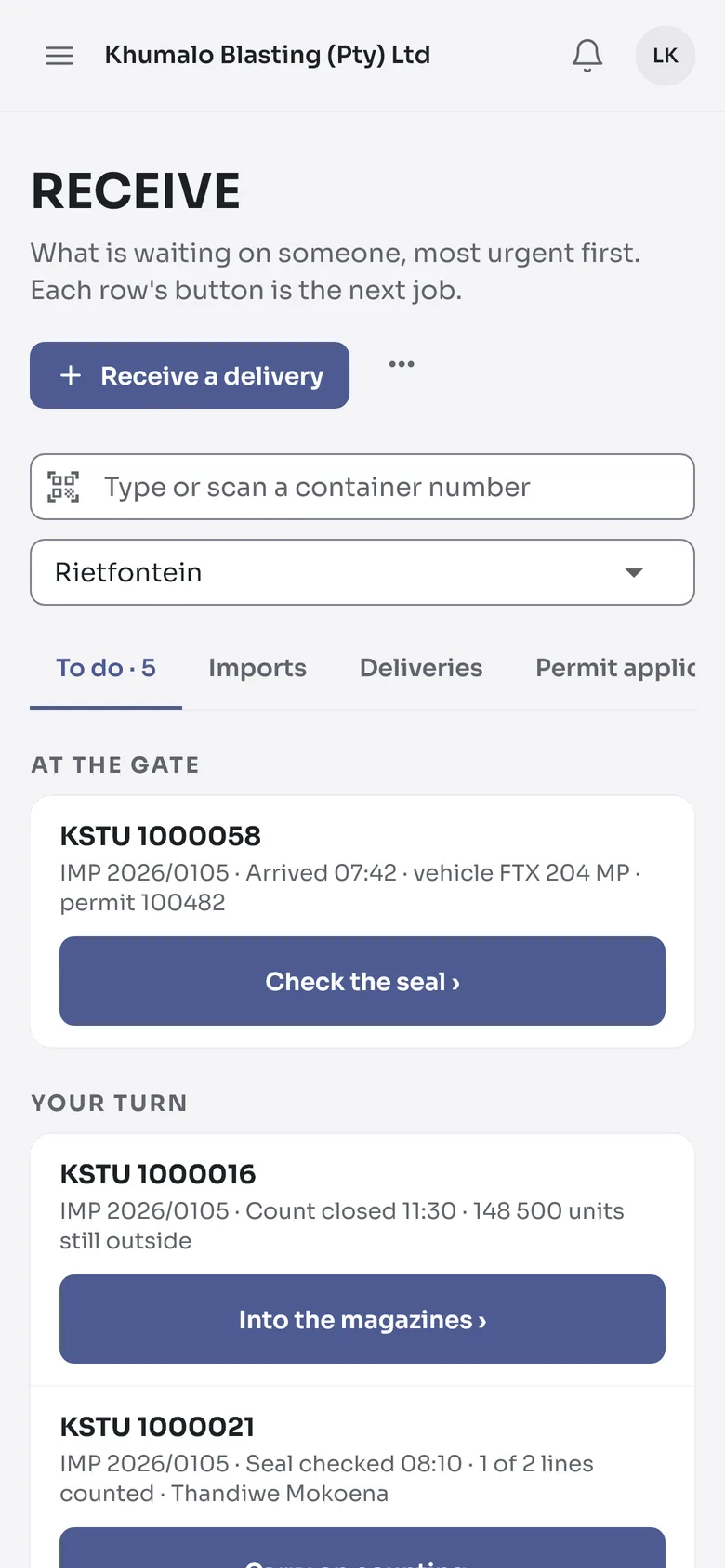
For the company: clerks, magazine masters, explosives coordinators
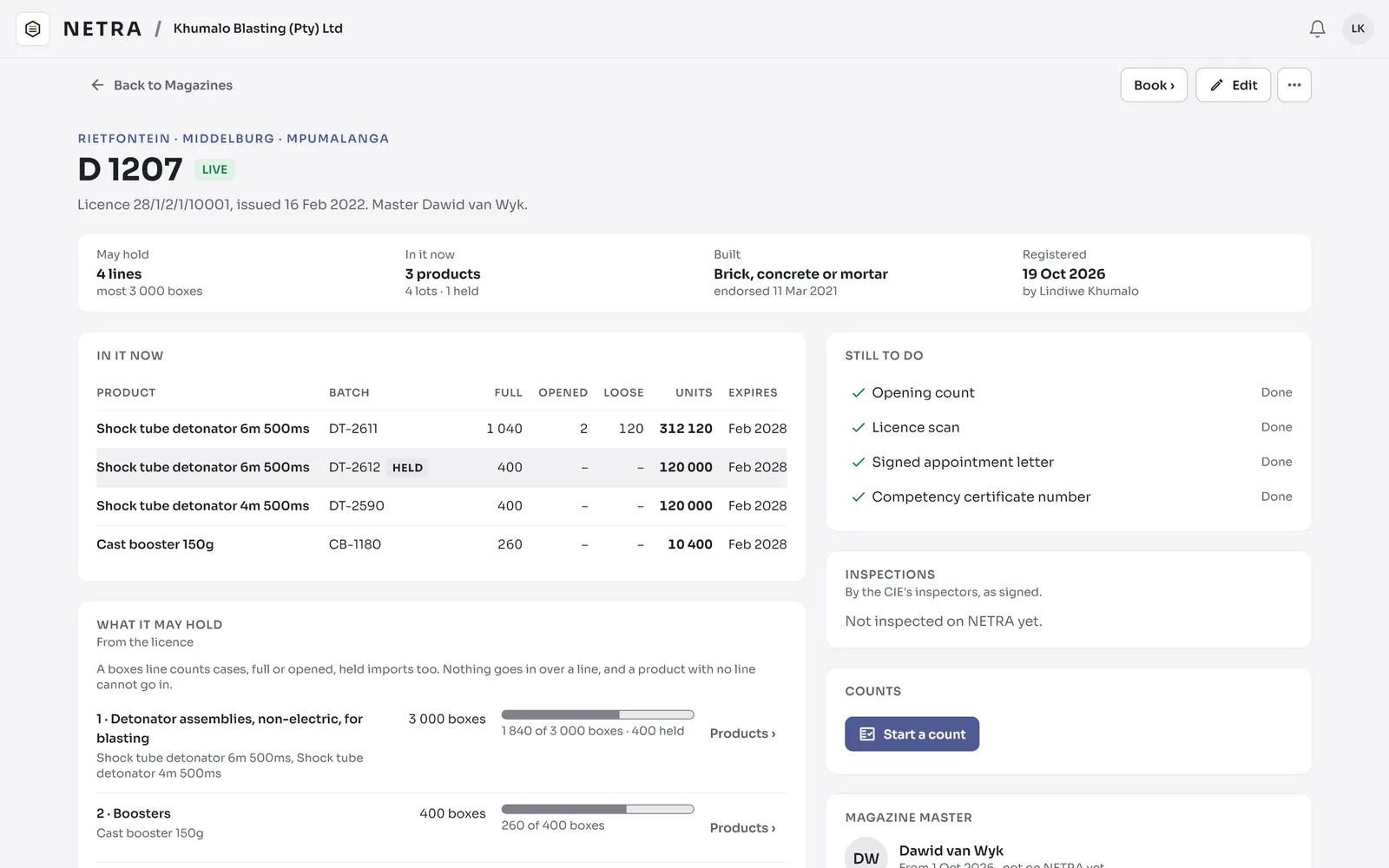
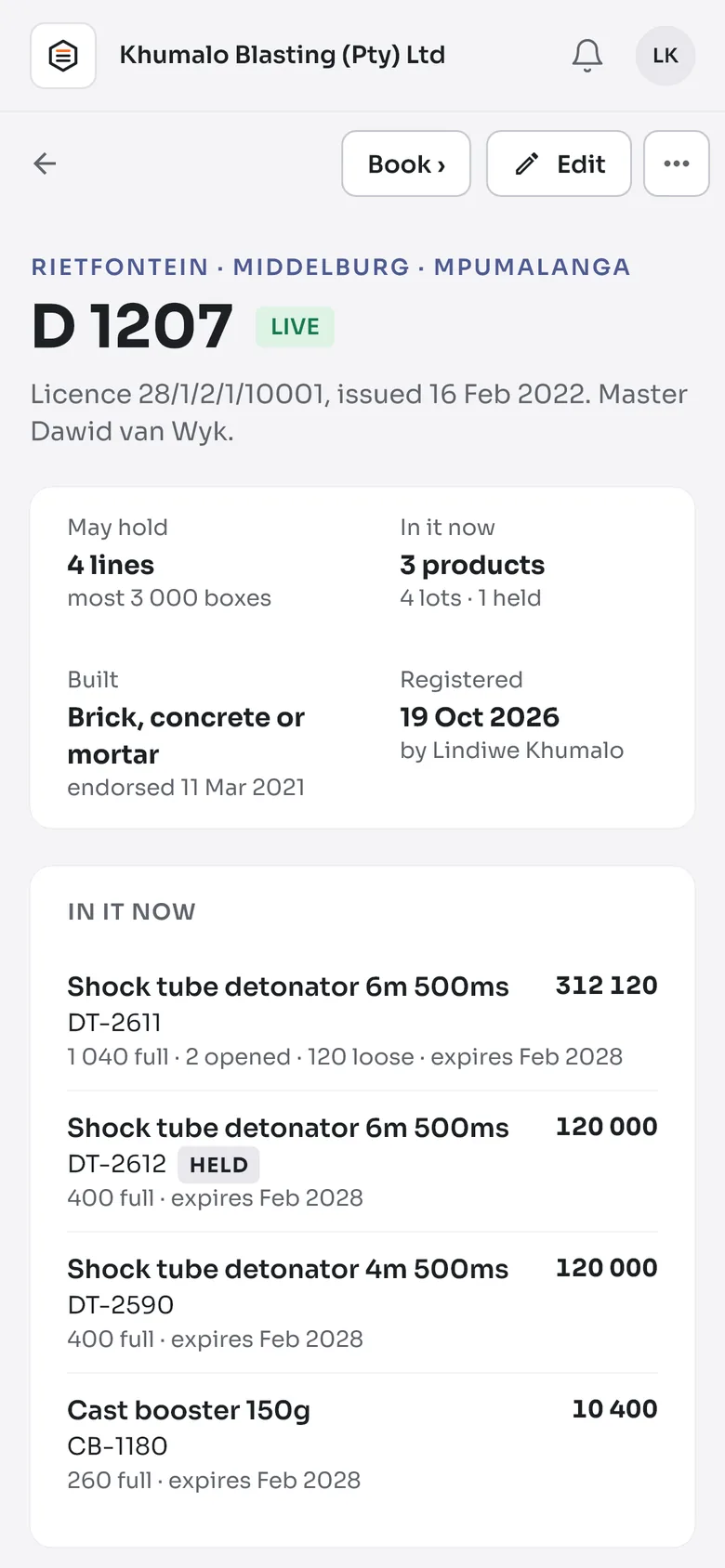
- Magazines against their licences
- Imports, local deliveries and transfers
- Counts, orders, dispatch and month end
Windows and Android
For South African explosives companies
NETRA is the register for your licensed magazines: deliveries in, issues out, counts and month end, on every site, with or without a connection. Inspectors and drivers work from the same register.
About five minutes. We check every company and call you, usually the same day.
Three apps, one register
For the company: clerks, magazine masters, explosives coordinators
Windows and Android
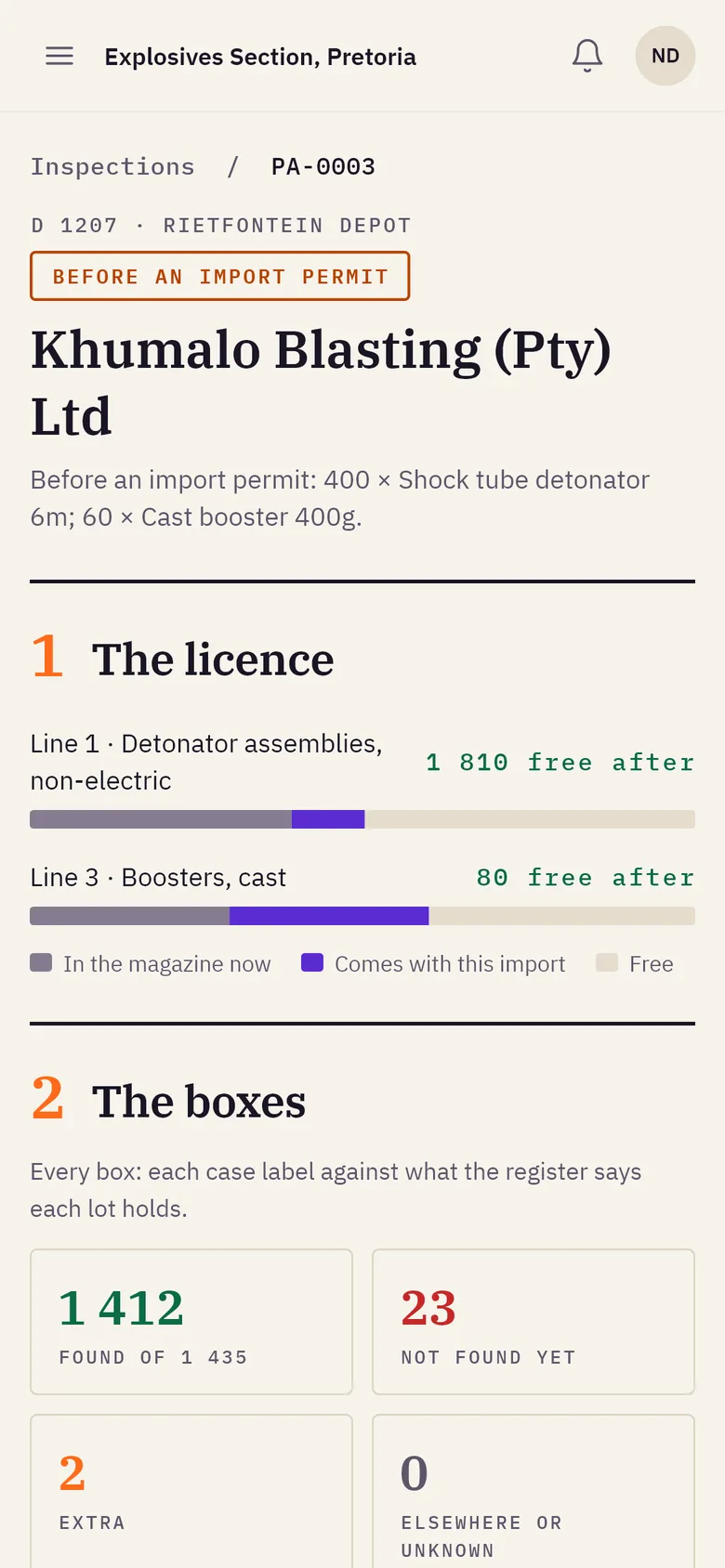
For the Explosives Section's inspectors
Windows and Android
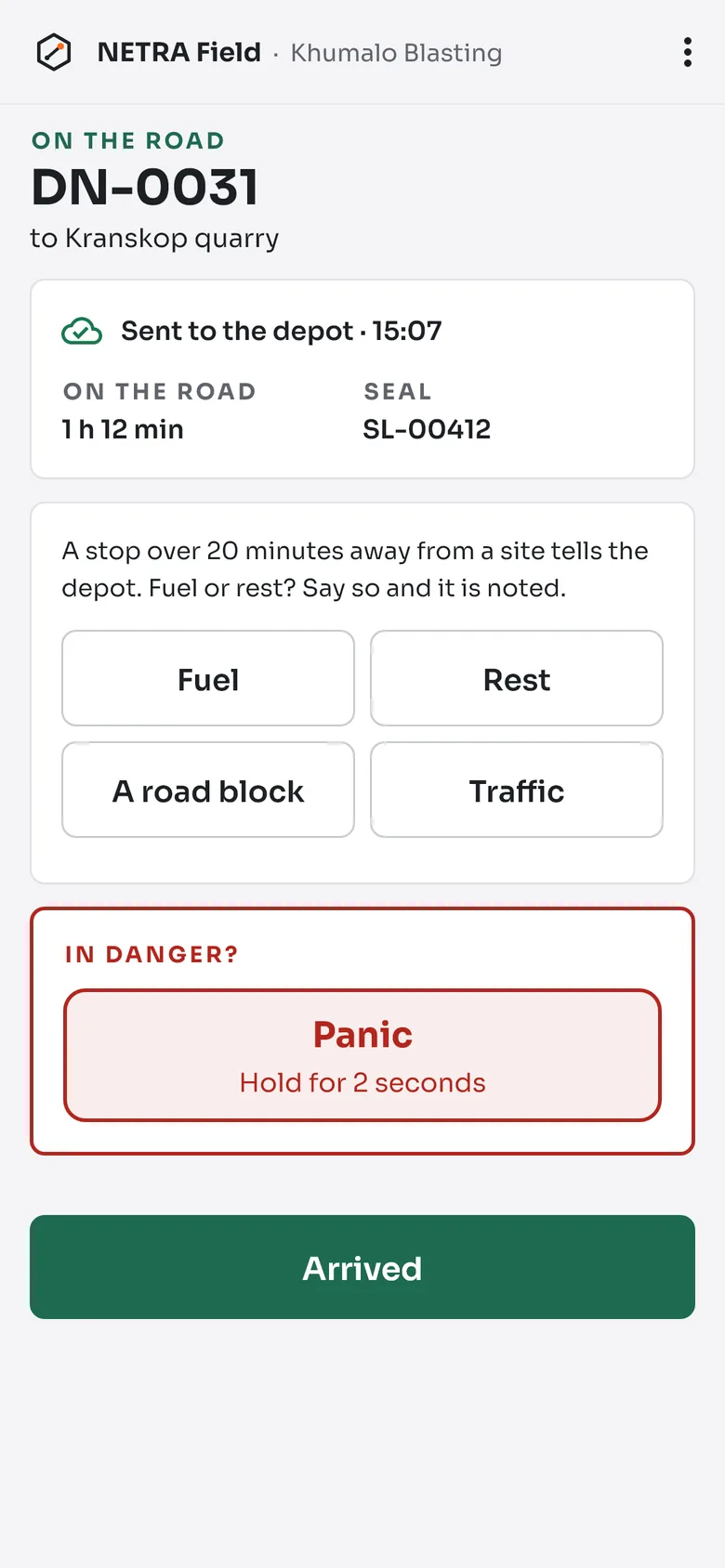
For the drivers of explosives loads
Android
One register for every magazine you hold, each against its licence: what is in it, and how near its limit.
Record a delivery at the magazine door with no signal. NETRA sends it on when the connection comes back.
Nothing is ever erased. Every change keeps who made it and when, and the register prints as the law asks.
Questions first? Read the answers, or write to hallo@customeapps.com.